 DugOut
Game day.One board.
The field board, batting line-ups, scoring and innings plans, in one free app for baseball coaches and scorers. It works offline at the ground.
Free. No sign-up, no ads. Put it on your Android tablet
Try it now
Six demo teams are loaded and ready. Pick where you'd like to start.
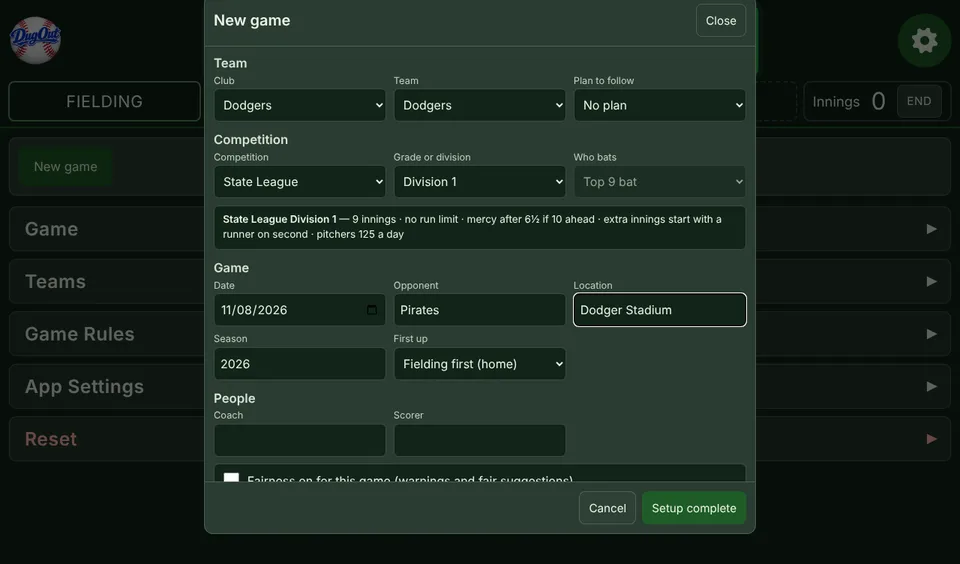 Full demoStart at the New game form, with the teams, ground and grade filled in.
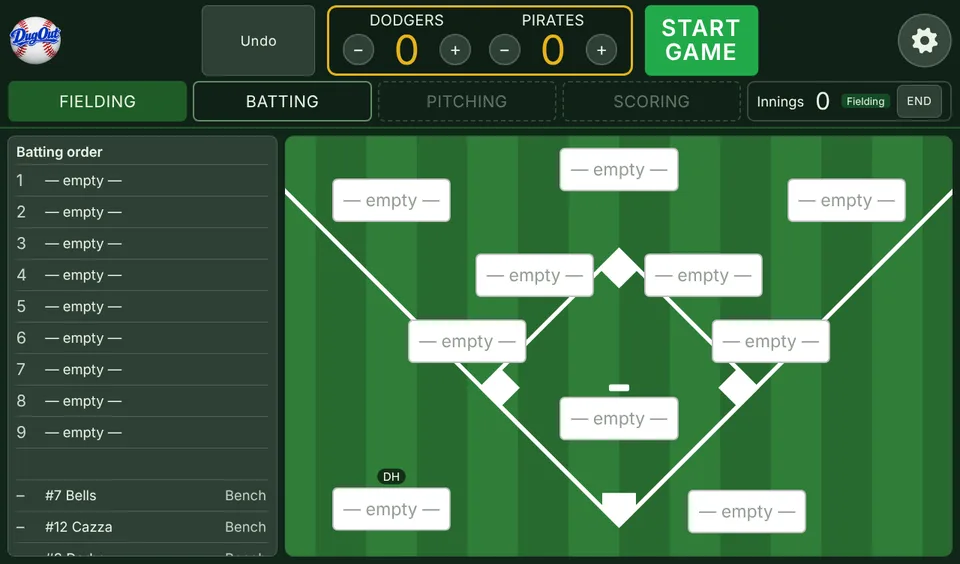 Set line-up demoThe game is set up. Put nine on the field and set the batting order, with a DH.
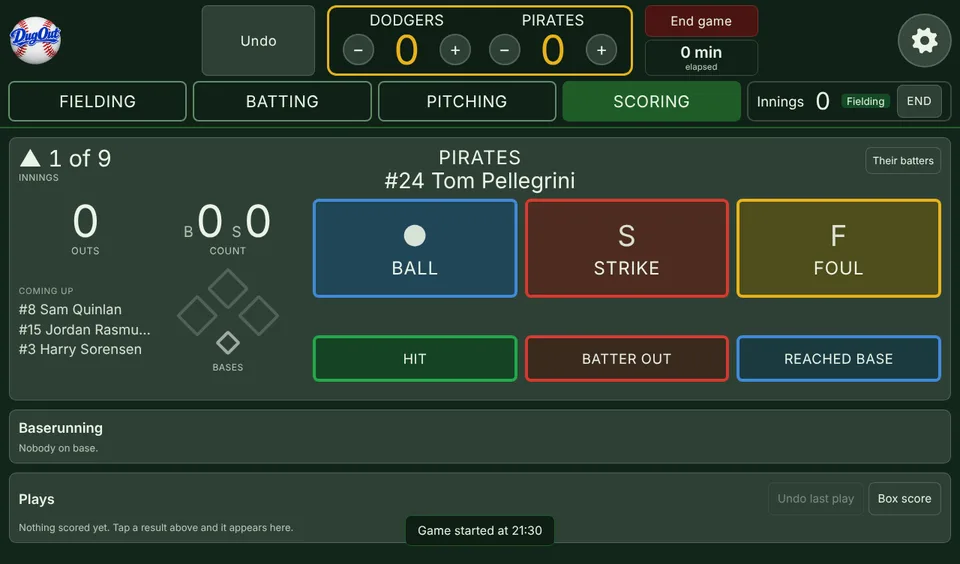 Game started demoLine-up locked and the Dodgers in the field. Score from the first pitch.
Demo teams: Dodgers, Unicorns, Pirates, Marlins, Chiefs and Masters. Nothing you do in the demo is saved, and your own teams are never touched.
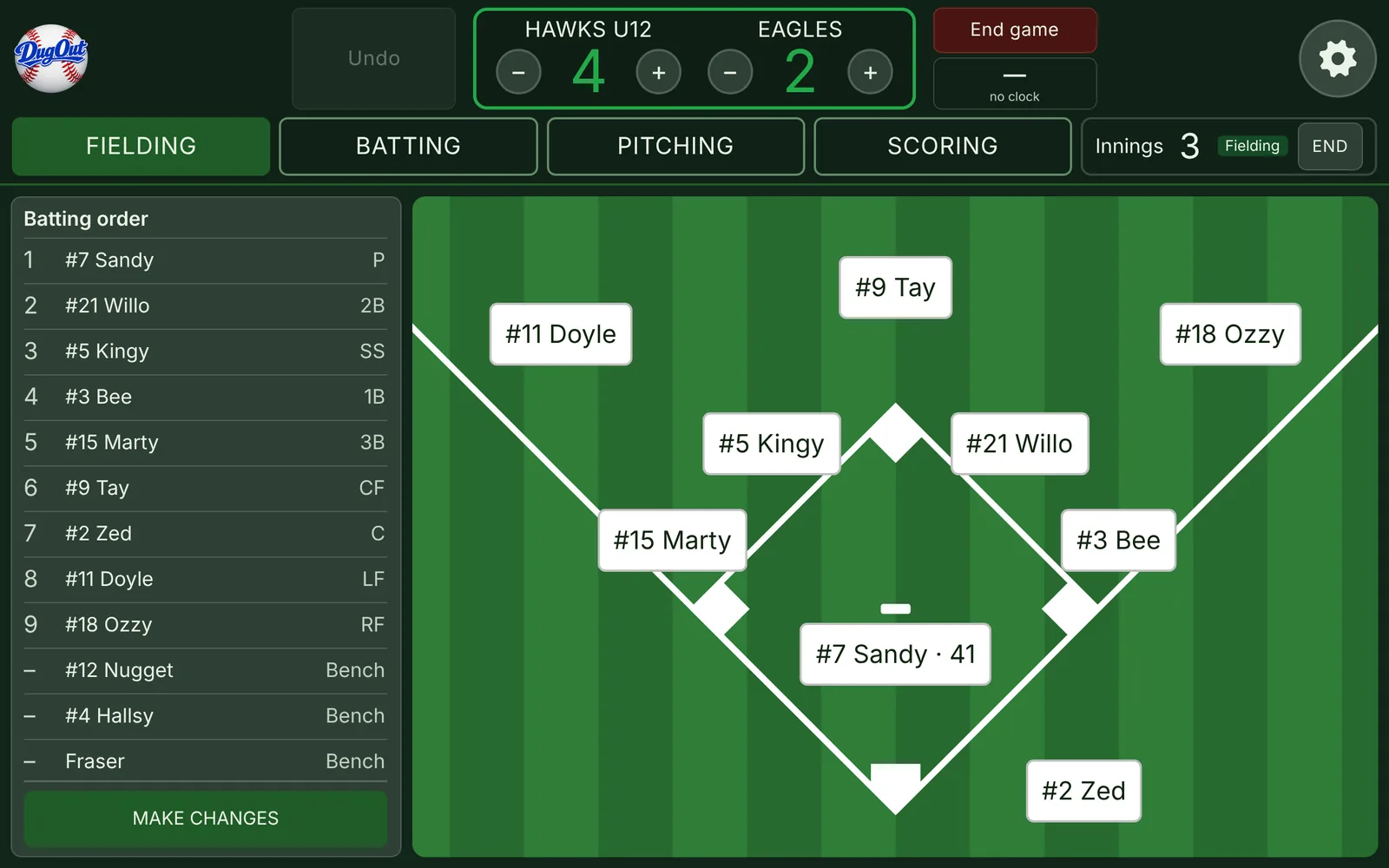
Field board
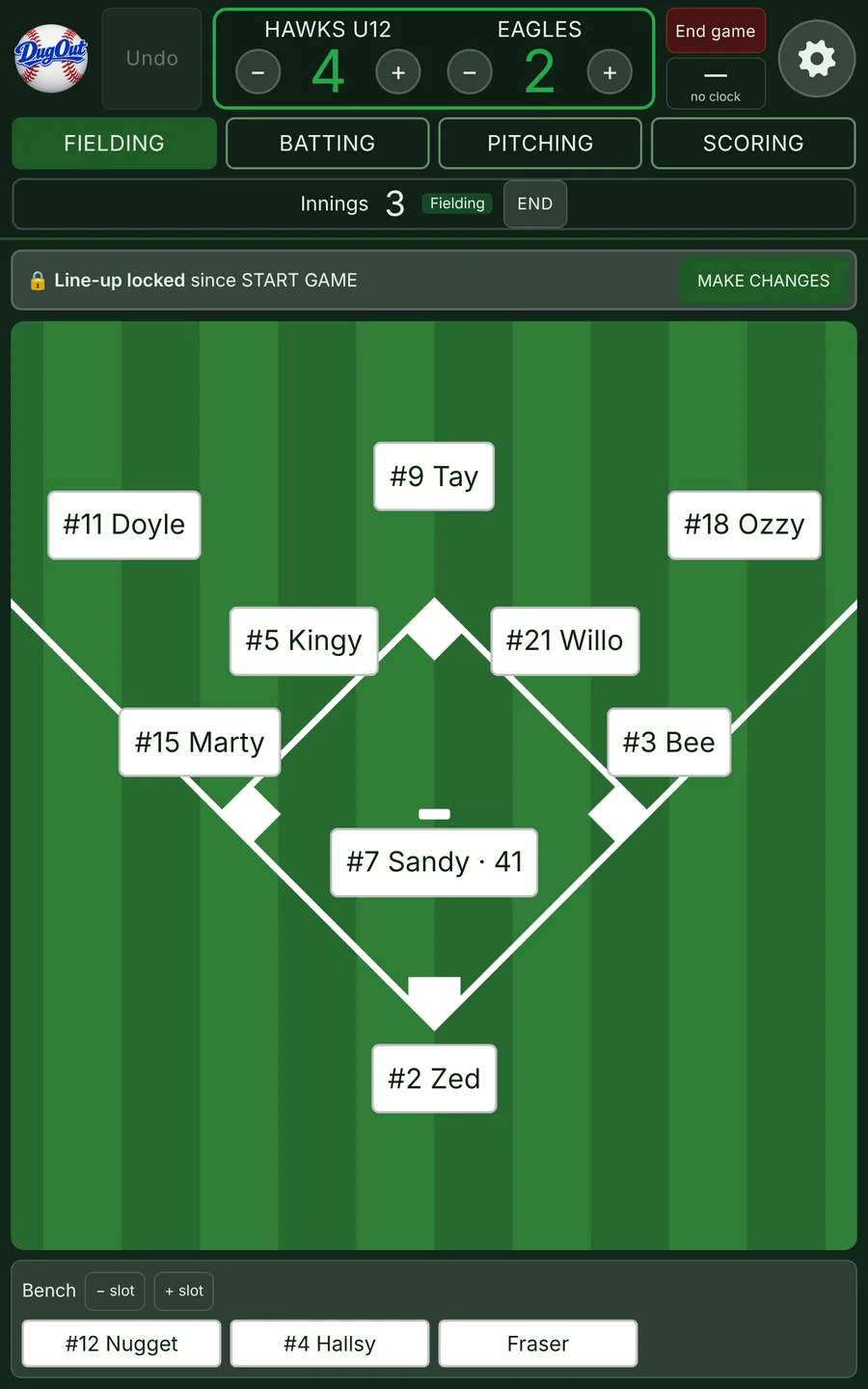
The magnetic board from the dugout wall, on your tablet. Tap a position to put a player there. Turn the tablet sideways and the batting order sits beside the diamond, ready to drag names straight onto it.
- Stars show where each player likes to play
- Pitch count on the pitcher's tag
- Your team logo on the field
Line-ups
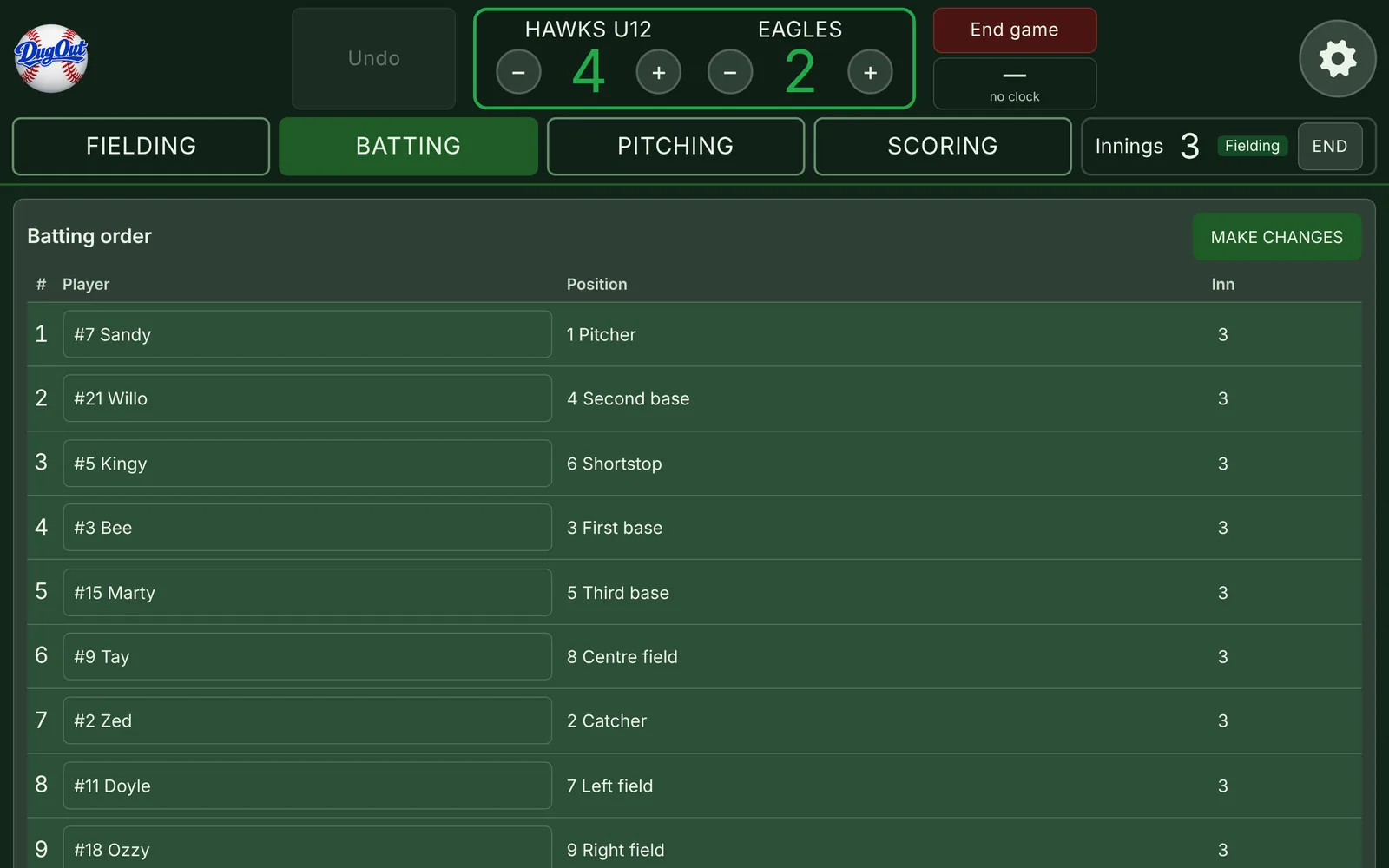
Set the batting order before the game, then press START GAME and it's locked. Subs go through MAKE CHANGES, now or at the next half innings, so nothing changes by accident.
- Everyone bats, or top nine with a DH
- Every sub is recorded, and Undo works
- Show the order to the umpire as a QR code
Plans
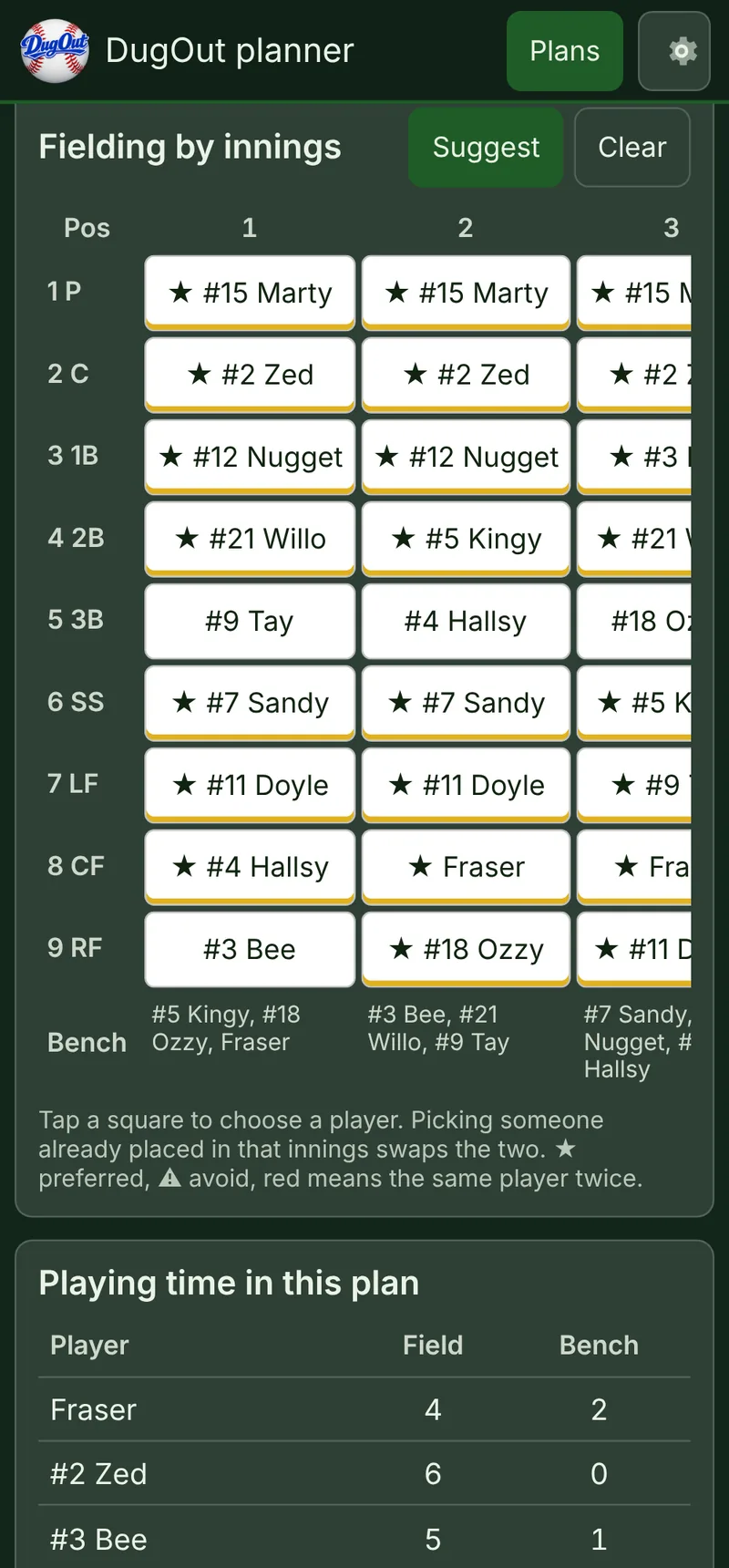
Plan the rotation innings by innings the night before, on your phone. DugOut can suggest one from your players' favourite positions and share bench time fairly.
- Each innings loads onto the board as you go
- Playing time for every player at a glance
Scoring
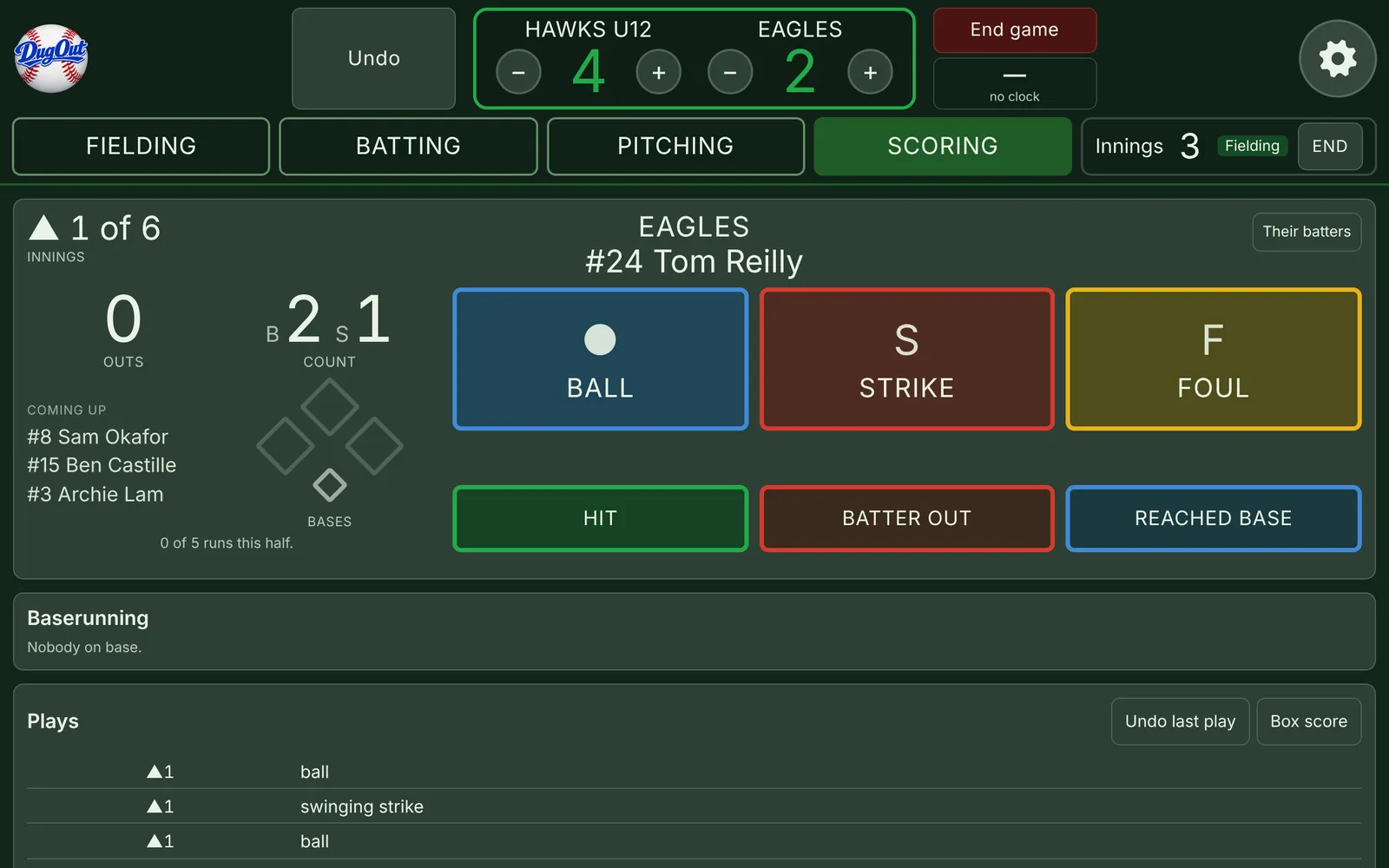
Keep the book with big buttons: ball, strike, foul, then hit, out or reached base. The count, runs, pitch counts and box score look after themselves.
- Baseball SA grade rules built in: innings, run caps, mercy and pitch limits
- Tap any play to move its runners
- Box score that adds up to the scoreboard
Sync
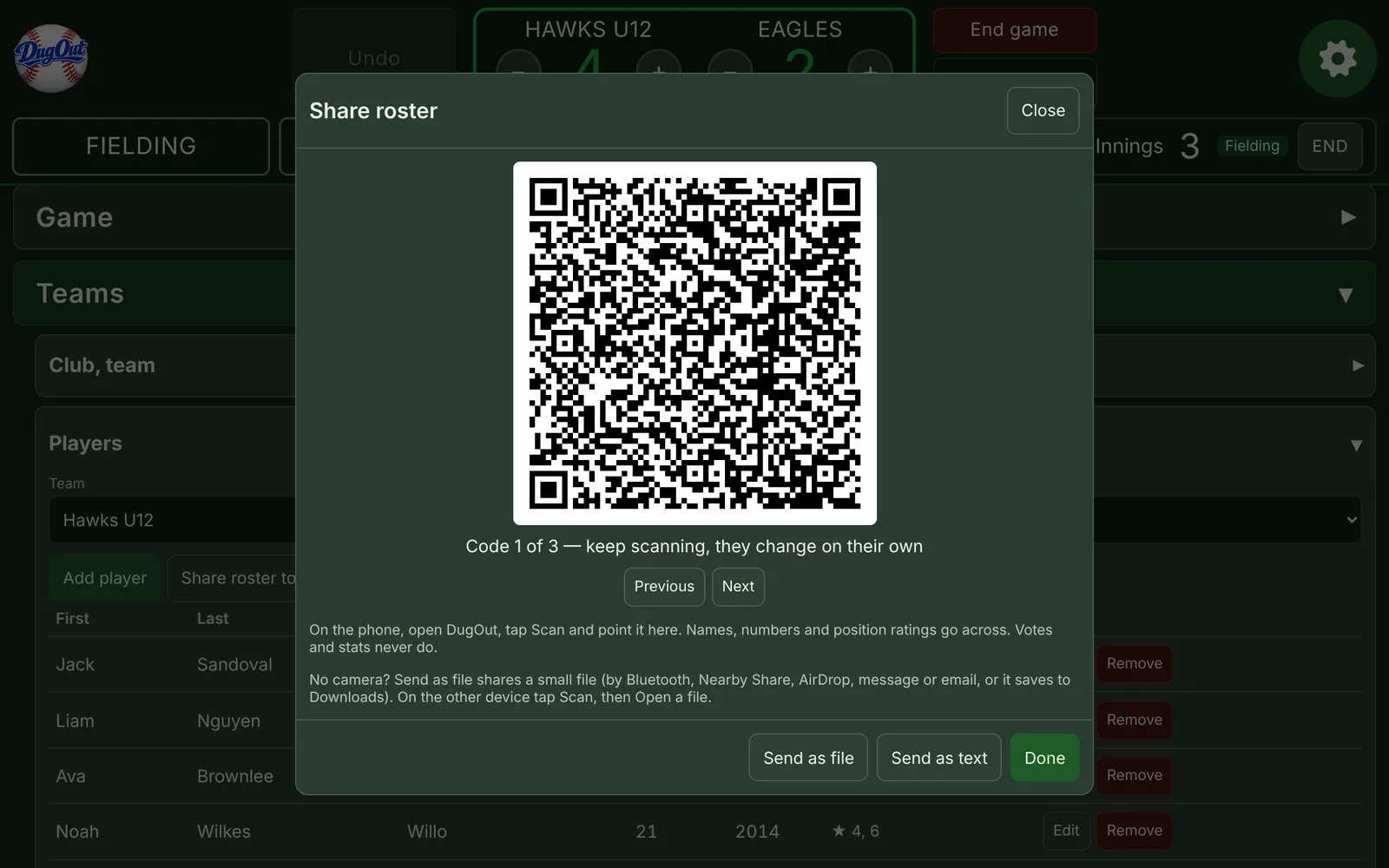
Send your squad and plans from the tablet to a phone, and back, by QR code or a small file. No accounts and no cloud: it goes straight from one device to the other.
Pick your spot
Coach or scorer, tablet or phone. Here's what DugOut looks like for you.
Put it on your Android tablet
DugOut installs from the browser, so there's nothing to find in the Play Store. Once it's on your home screen it opens full screen and works without internet.
Open it in Chrome
Go to dugoutapp.online/app in Chrome on the tablet or phone.
Add to home screen
Tap the ⋮ menu at the top right, then Add to home screen. Some devices call it Install app.
Tap the DugOut icon
Open DugOut from your home screen. It opens full screen and keeps working at grounds with no signal.
Your players stay on your device
No accounts, no ads and no tracking. Names, numbers and stats are kept on the tablet or phone you enter them on, and nowhere else.
When you share a roster or a plan, it goes straight from your device to the other one. Read the privacy policy
Questions
Is it really free?
Yes. No sign-up, no ads and nothing to pay.
Does it work without internet?
Yes. After the first visit DugOut keeps working offline, so a ground with no signal is fine.
What can I run it on?
Android tablets and phones, and Windows laptops, in an up-to-date browser. A tablet suits the field board best; a phone is good for plans and scoring.
Does it know Baseball SA rules?
Yes. Pick the competition and grade when you set up a game and DugOut uses that grade's innings, run caps, mercy rule and pitch limits.
What if I get a new tablet?
Save a backup file in Settings, then restore it on the new device. Everything comes across.